
Skip to content
QuickCompta

Business software · built for Morocco

Your business moves forward.QuickCompta takes care of the rest.

Quotes and invoices, stock, expenses with OCR, cash, CGNC accounting and payroll: your day-to-day in a single tool, with AI Compta to guide you at every step.

  • Amounts in MAD, ICE and VAT
  • Français · العربية · English
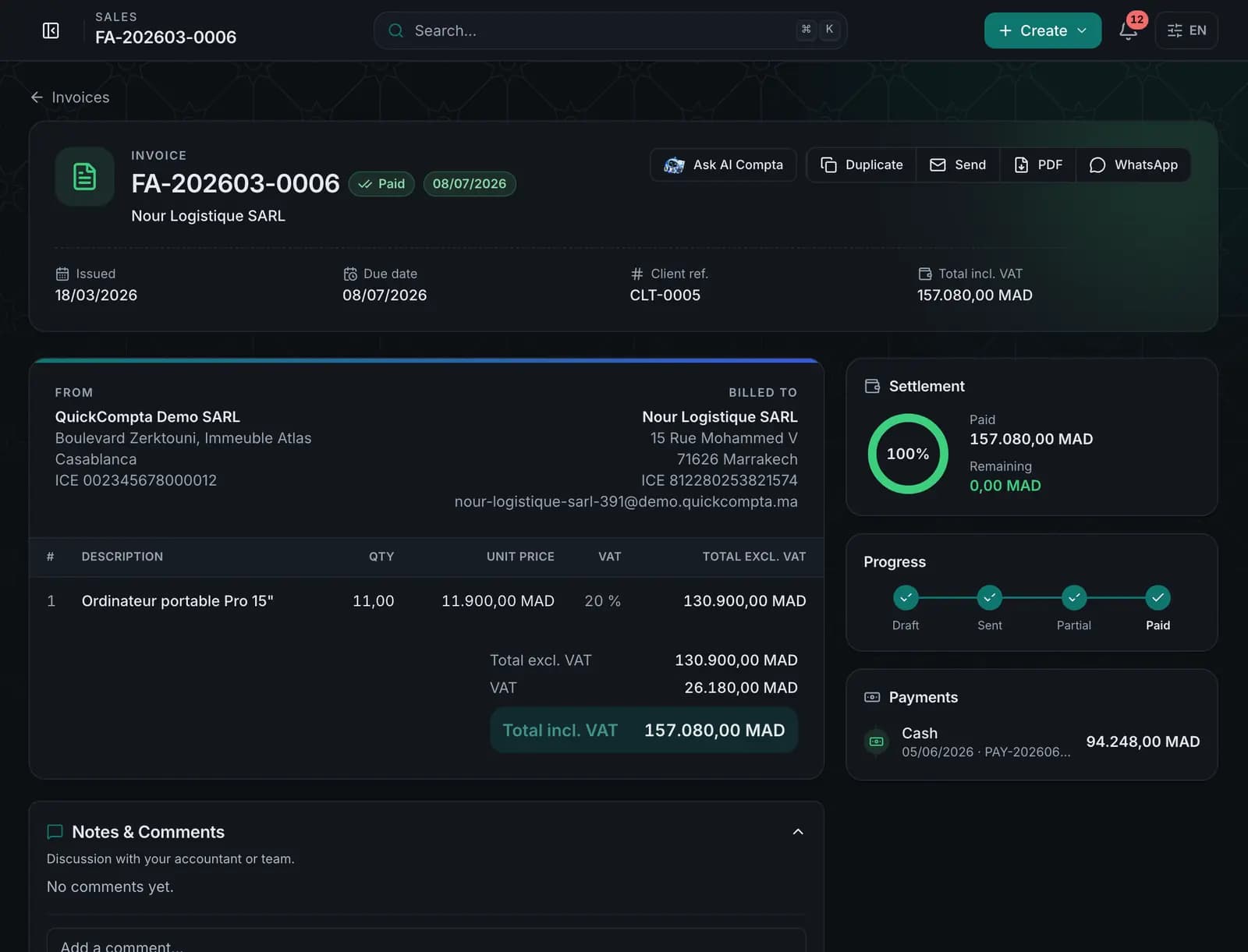
  • Light and dark mode
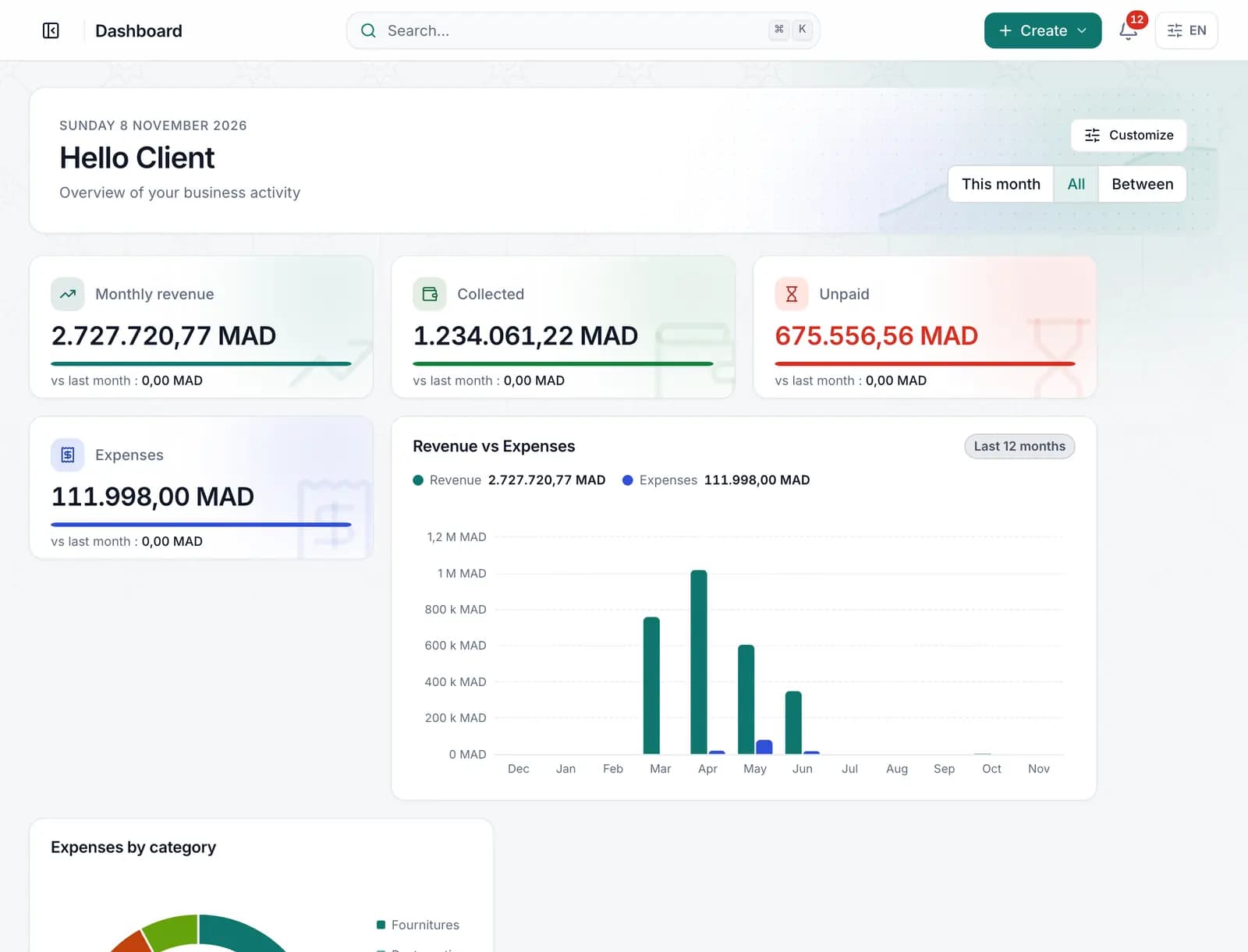
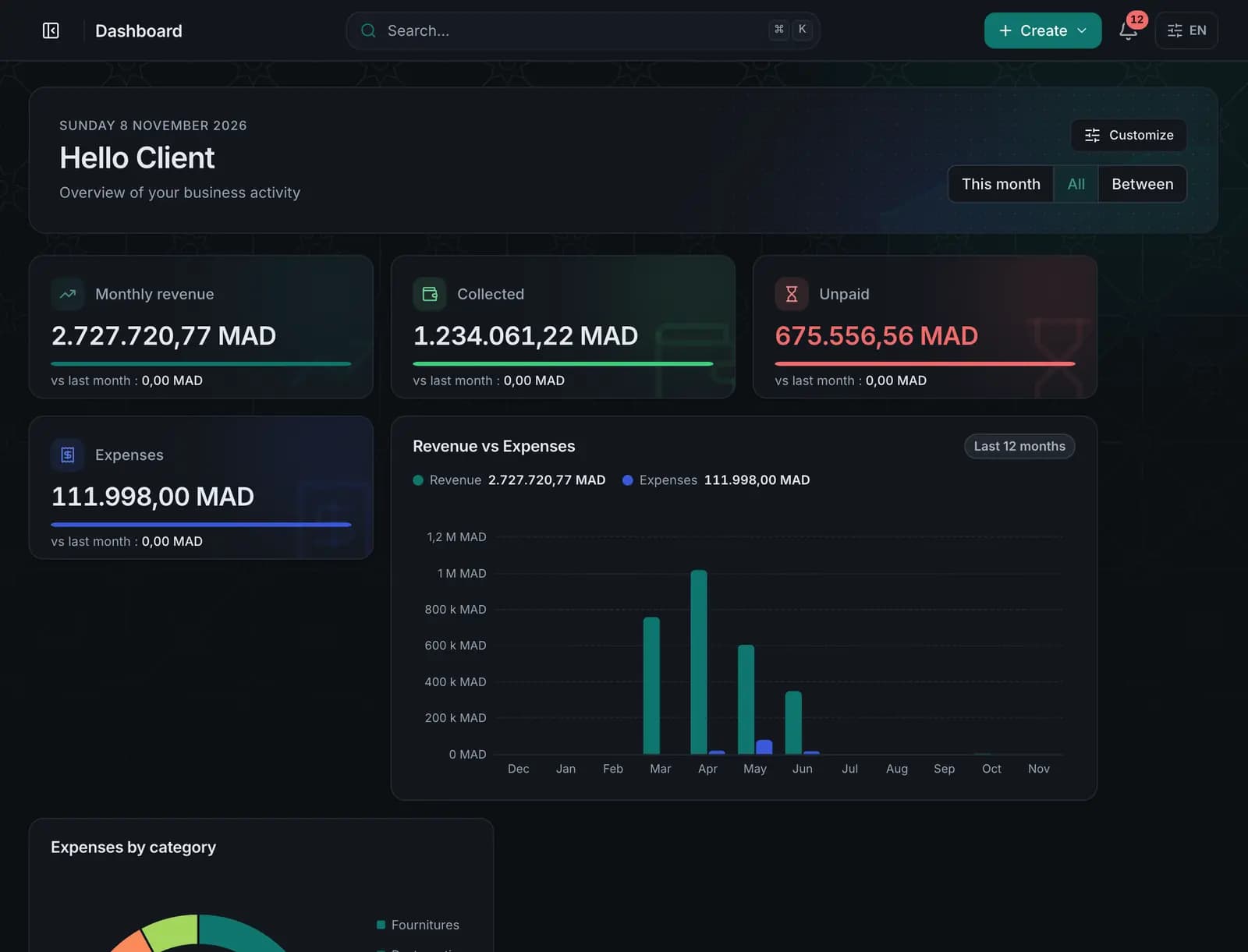
QuickCompta dashboard

AI Compta · Your guide

Salam 👋 I’m AI Compta, your smart assistant. Let me show you how QuickCompta makes running your business simpler.

Start the tour

Real screenshots of the app · demo company

Guided tour

AI Compta shows you around QuickCompta.

From the first invoice to payroll, in nine steps. The screens are real screenshots of the app, with demo data.

  1. Step 1 · Sell

    AI Compta

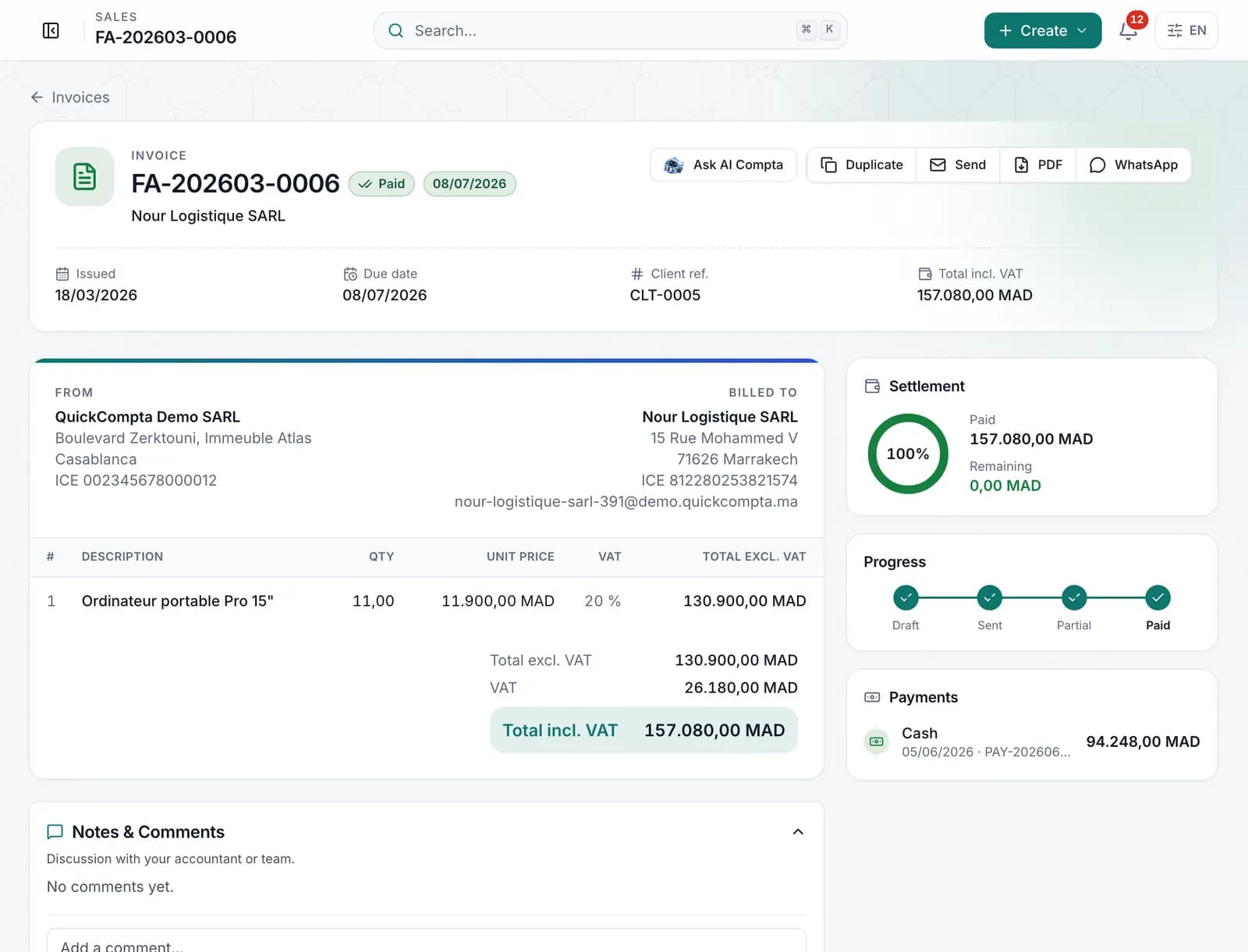
    With QuickCompta, create your quotes and invoices, track payments and keep a clear view of your clients.

    From quote to payment, without re-typing.

    • Quotes, proformas, invoices, credit notes, delivery notes
    • A quote becomes an invoice in one click
    • Payments and balance due tracked
    • PDFs in your colours, sent by email
    Explore the module
    Sell — QuickCompta
  2. Step 2 · Clients

    AI Compta

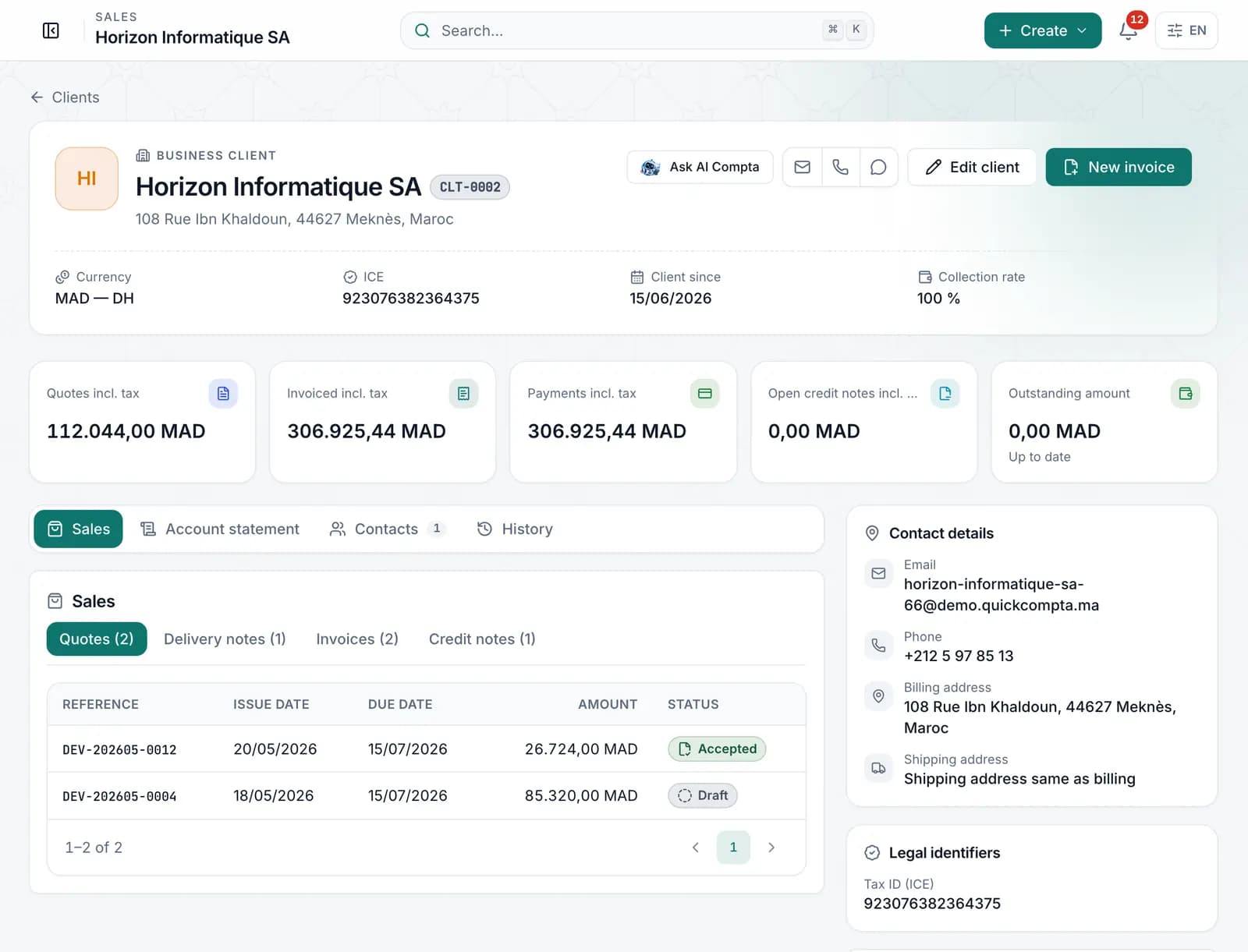
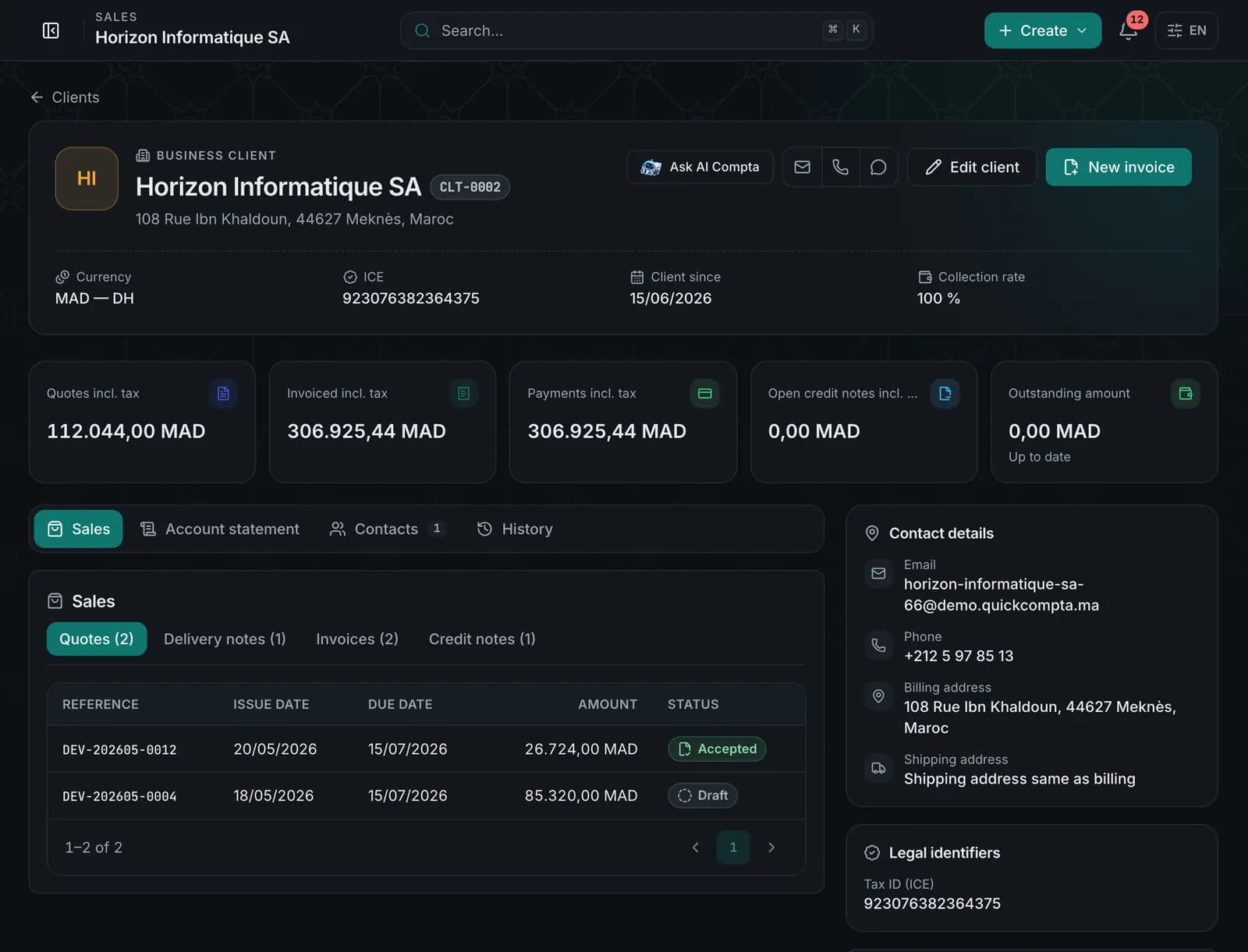
    Every client has a record: sales, account statement, outstanding balance and contacts, all in one place.

    A record that tells the whole relationship.

    • Proposals, invoices and collections at a glance
    • Account statement and history
    • ICE and contact details always up to date
    • Suppliers, purchases and supplier payments
    Explore the module
    Clients — QuickCompta
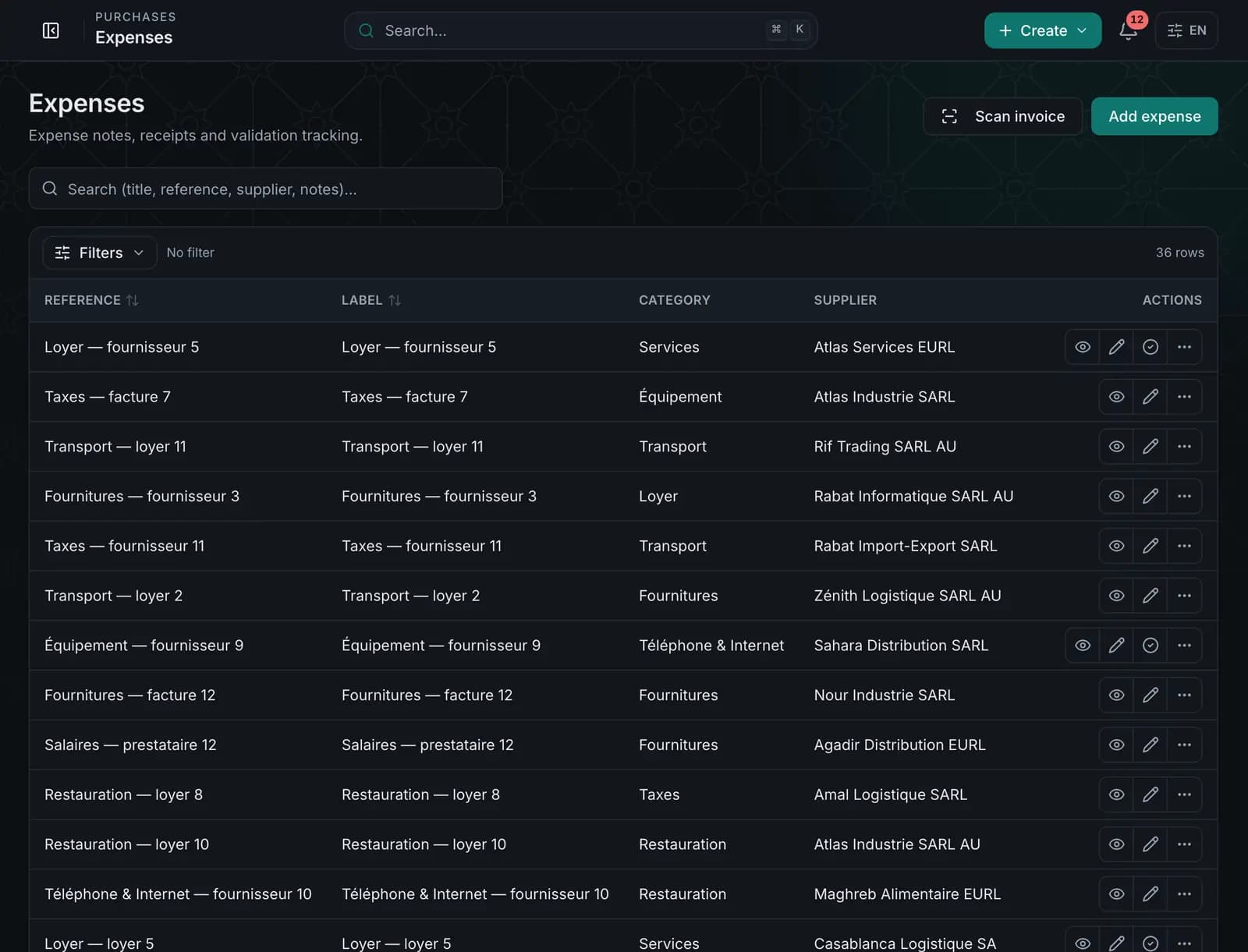
  3. Step 3 · Expenses & OCR

    AI Compta

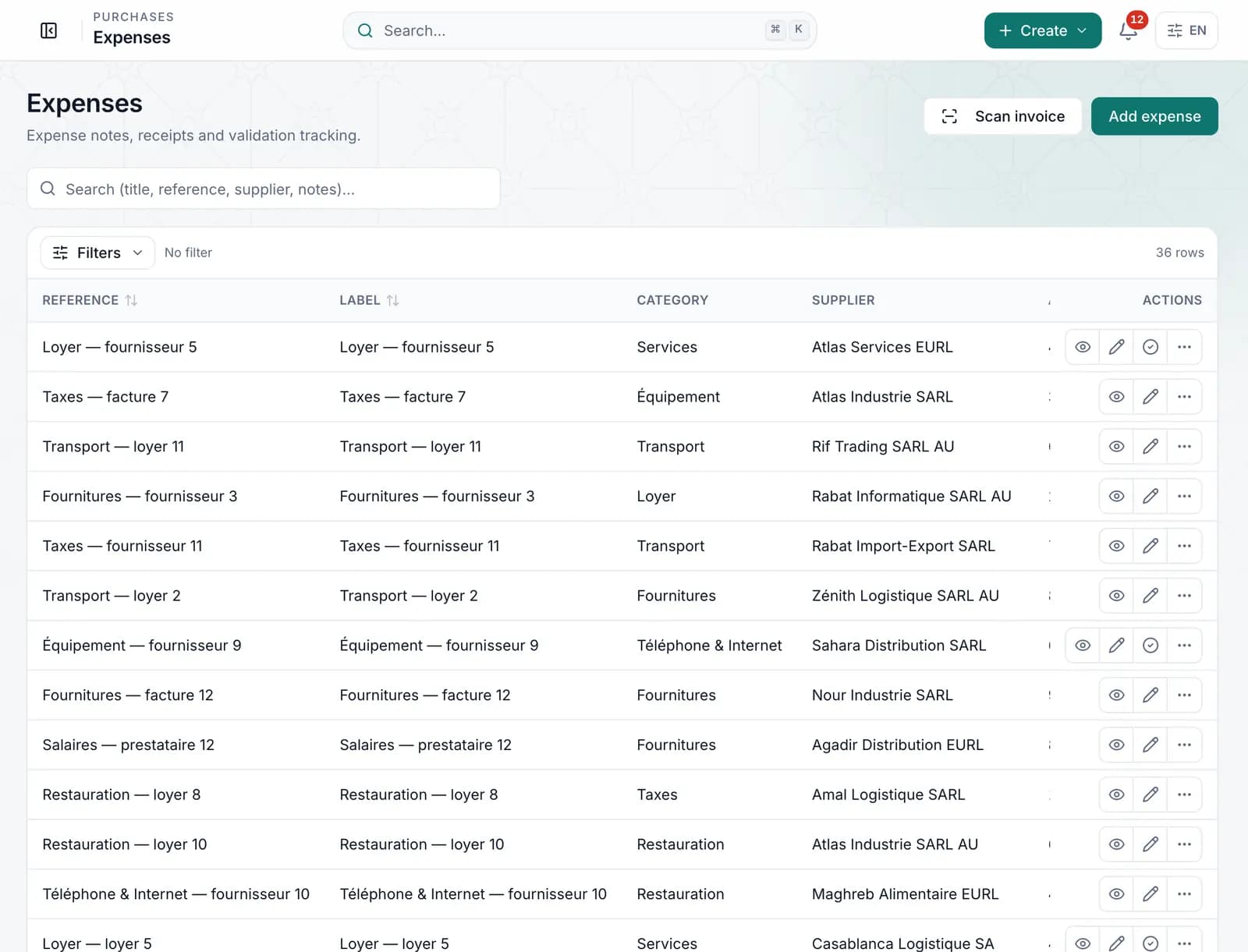
    Got a supplier invoice? Upload it and let QuickCompta pick up the details with OCR. You check, then you save.

    The receipt fills in the entry for you.

    • OCR reading with a confidence level (depending on plan)
    • Net, VAT and gross amounts checked
    • Likely duplicates flagged
    • Private receipts, found in one click
    Explore the module
    Teaching animation: you always check the values read.
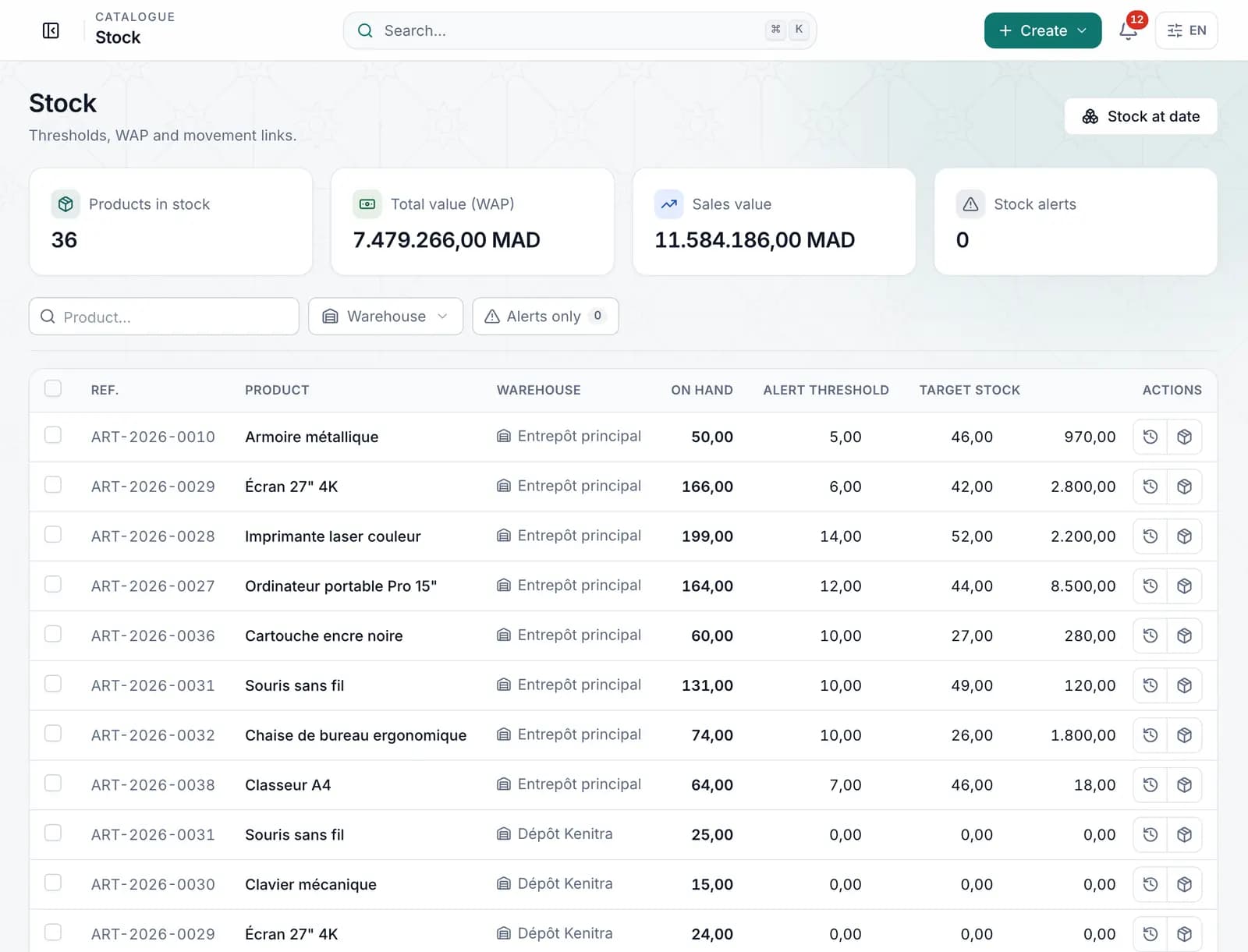
  4. Step 4 · Stock

    AI Compta

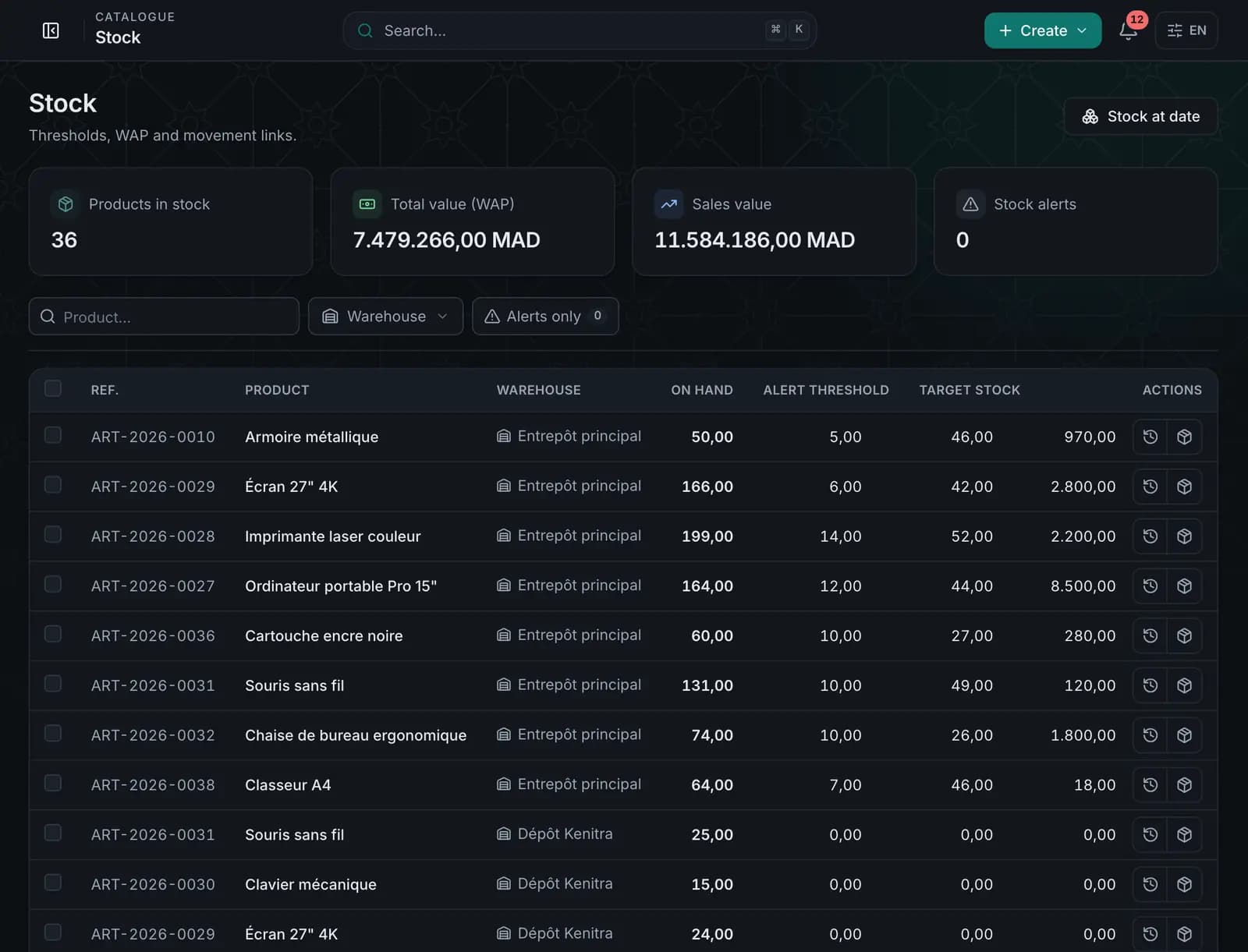
    Follow your products, movements and availability across your warehouses.

    Your quantities, warehouse by warehouse.

    • Catalogue, families, brands and units
    • Several warehouses and transfers
    • Traced movements, stock at any date
    • Barcodes and scanning
    Explore the module
    Stock — QuickCompta
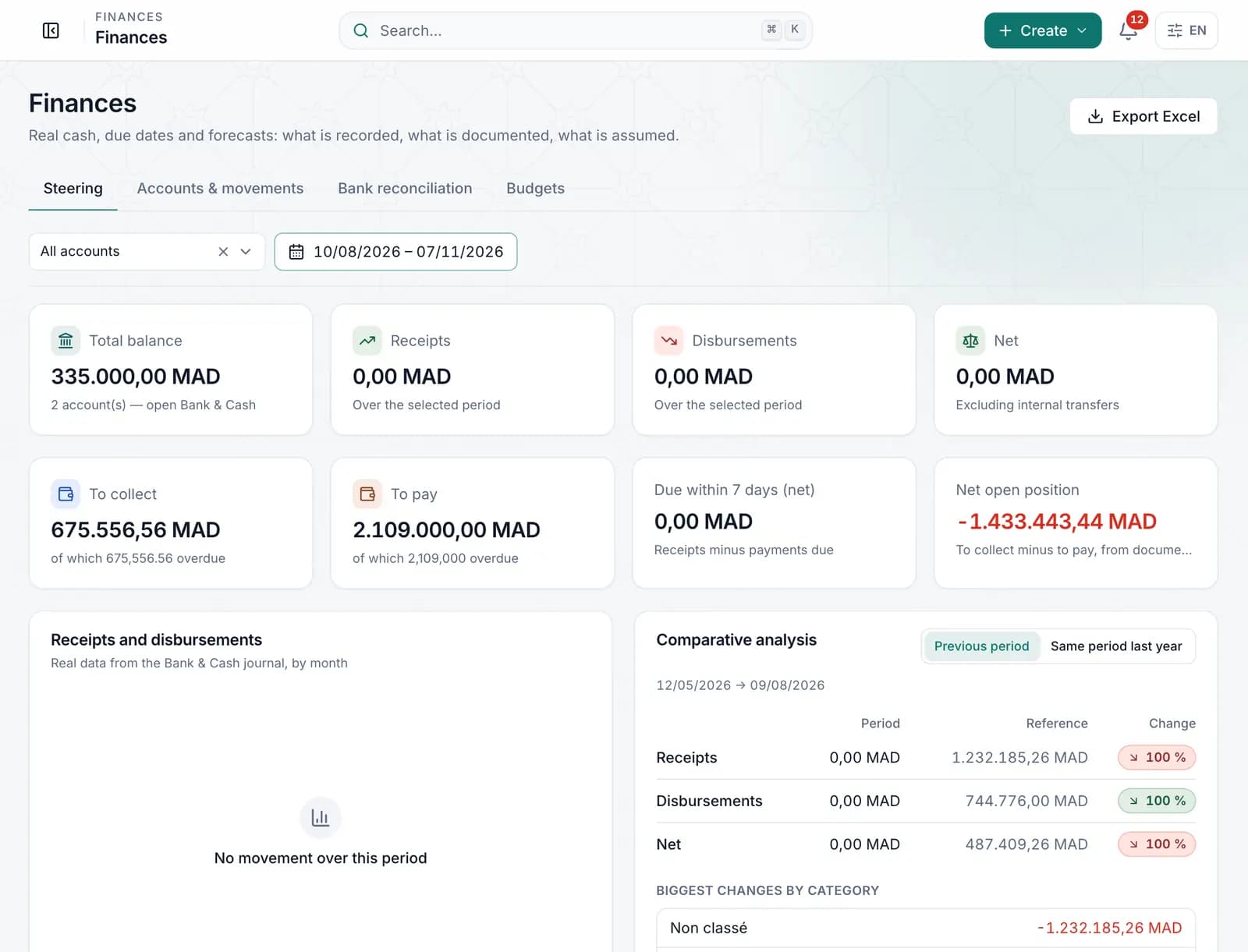
  5. Step 5 · Cash

    AI Compta

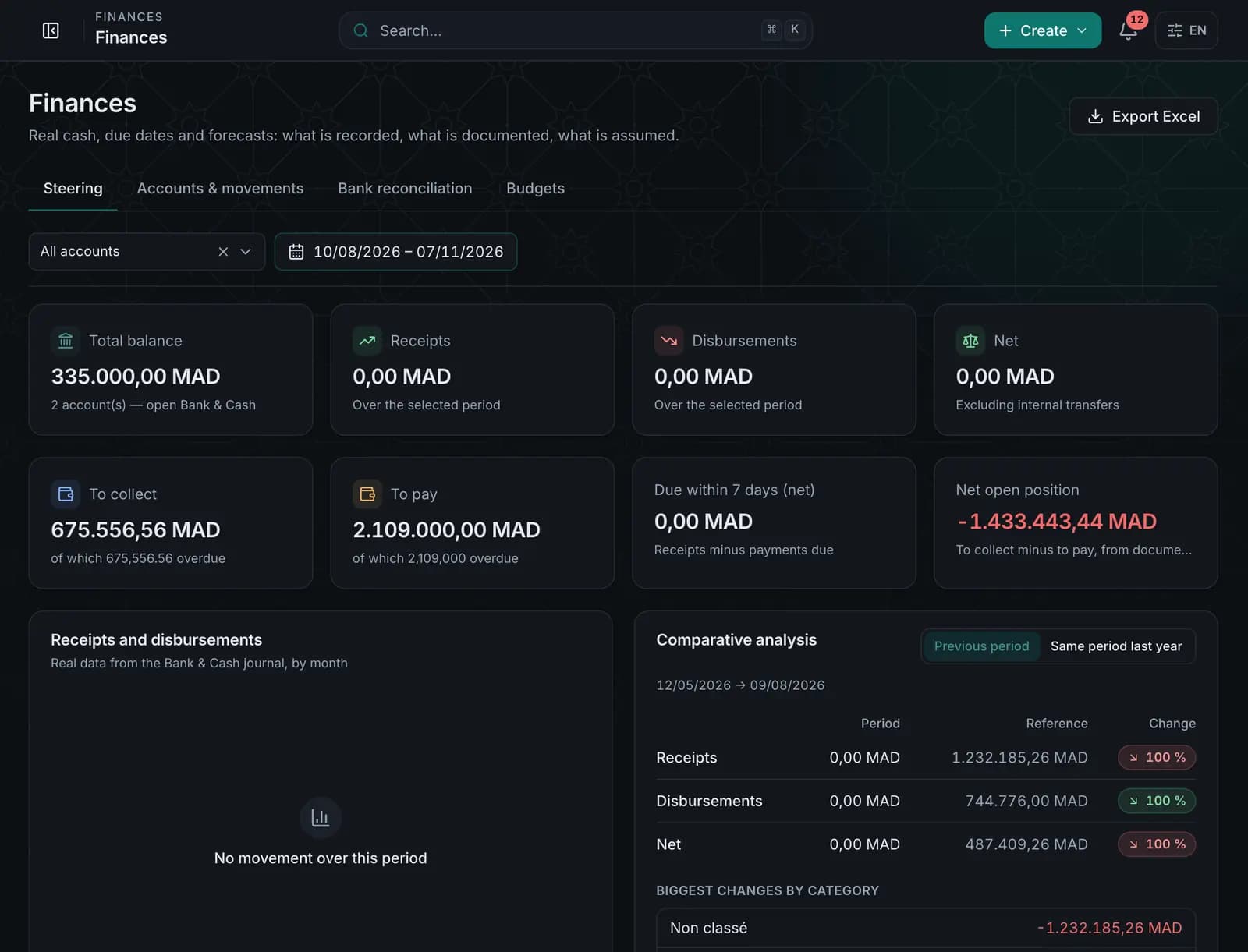
    Bank accounts, cash desk, reconciliations and budgets: you always know where your cash stands.

    Readable cash, reliable balances.

    • Bank accounts, cash desk and payment methods
    • Bank reconciliation
    • Budgets and variance tracking
    • Monthly file to share with your accountant
    Explore the module
    Cash — QuickCompta
  6. Step 6 · Accounting

    AI Compta

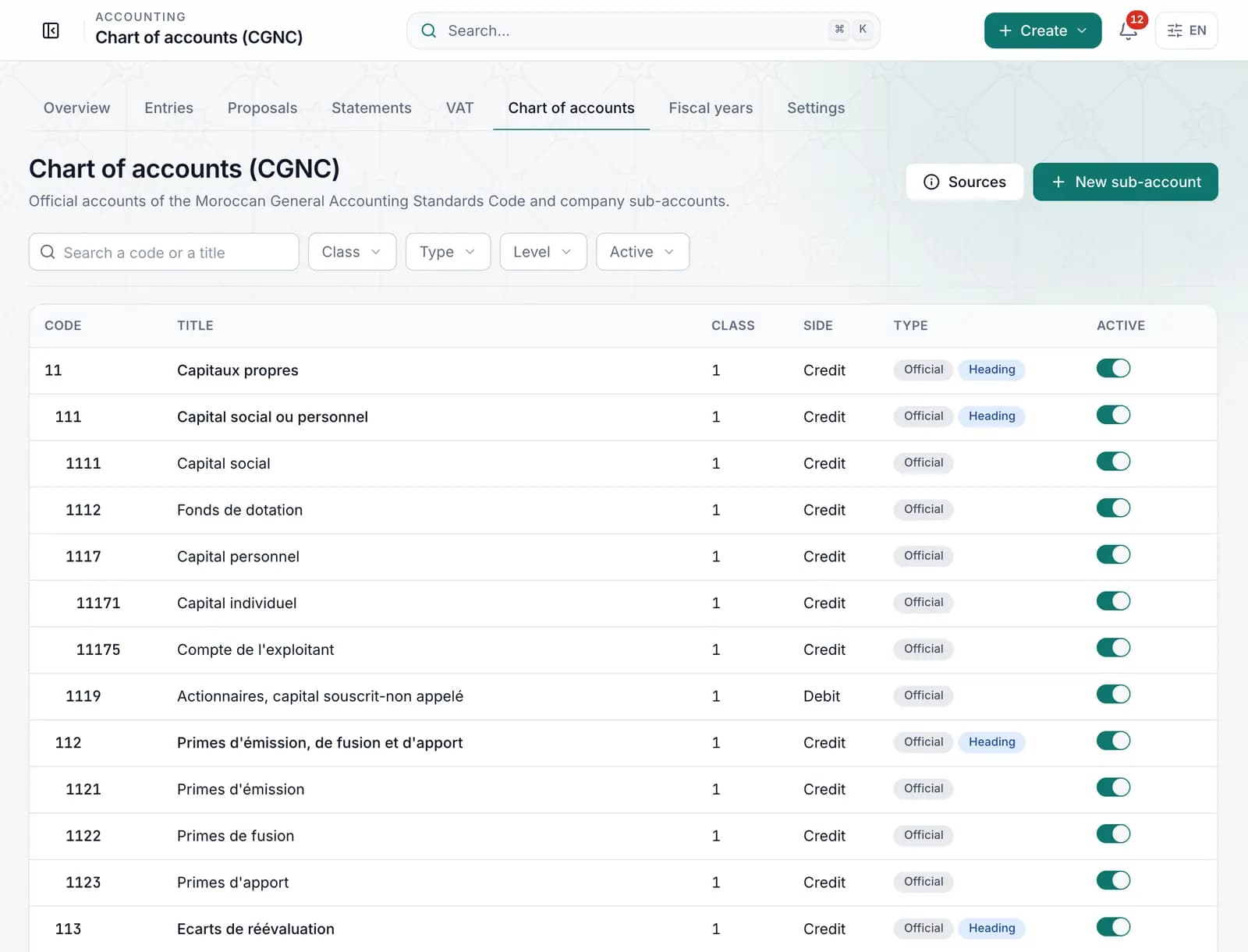
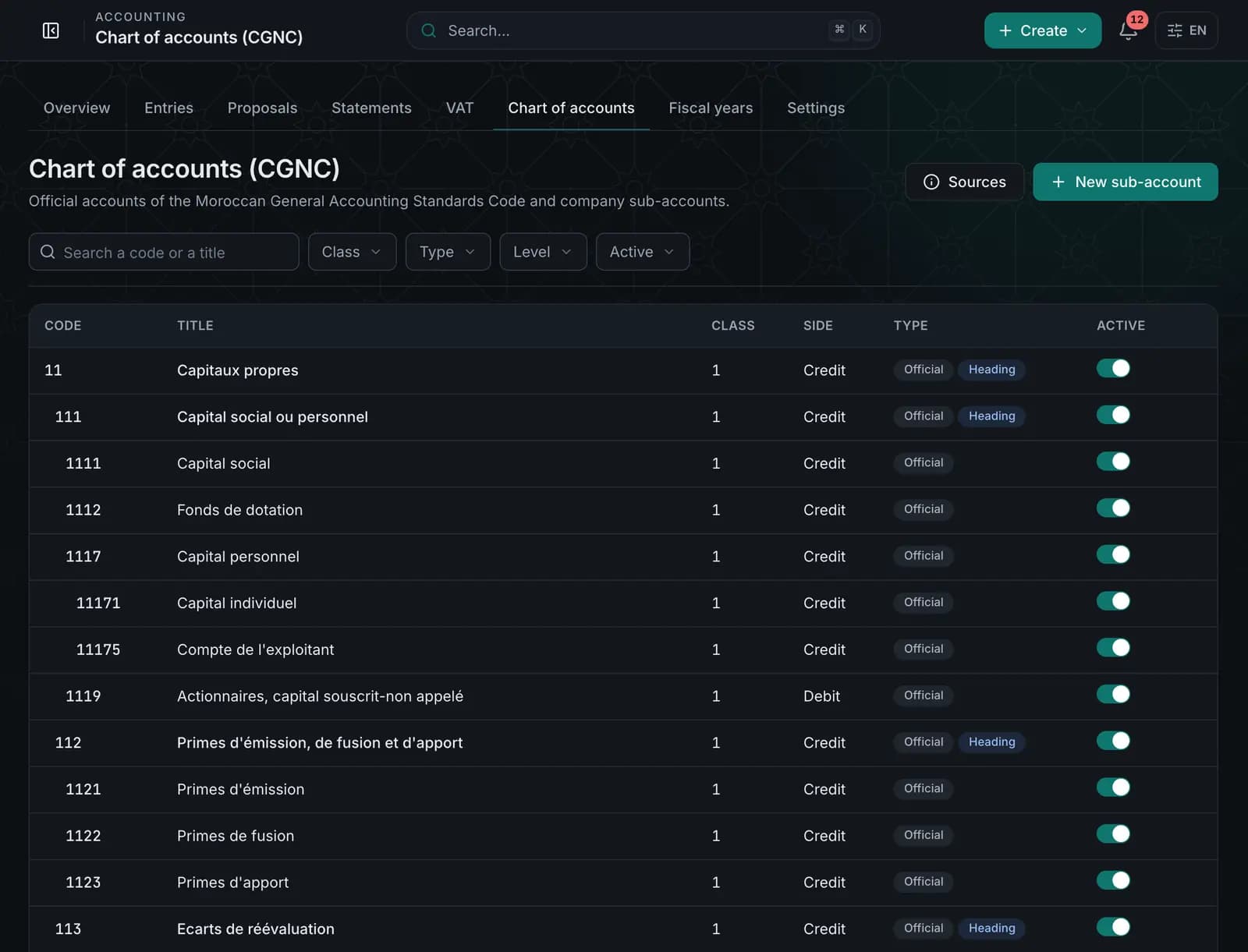
    Find your financial information and accounting operations in one organised space, based on the CGNC chart of accounts.

    Accounting fed by your activity.

    • CGNC chart of accounts and sub-accounts
    • Suggested entries to approve
    • VAT, reports and fiscal years
    • Your accountant stays in control
    Explore the module
    Accounting — QuickCompta
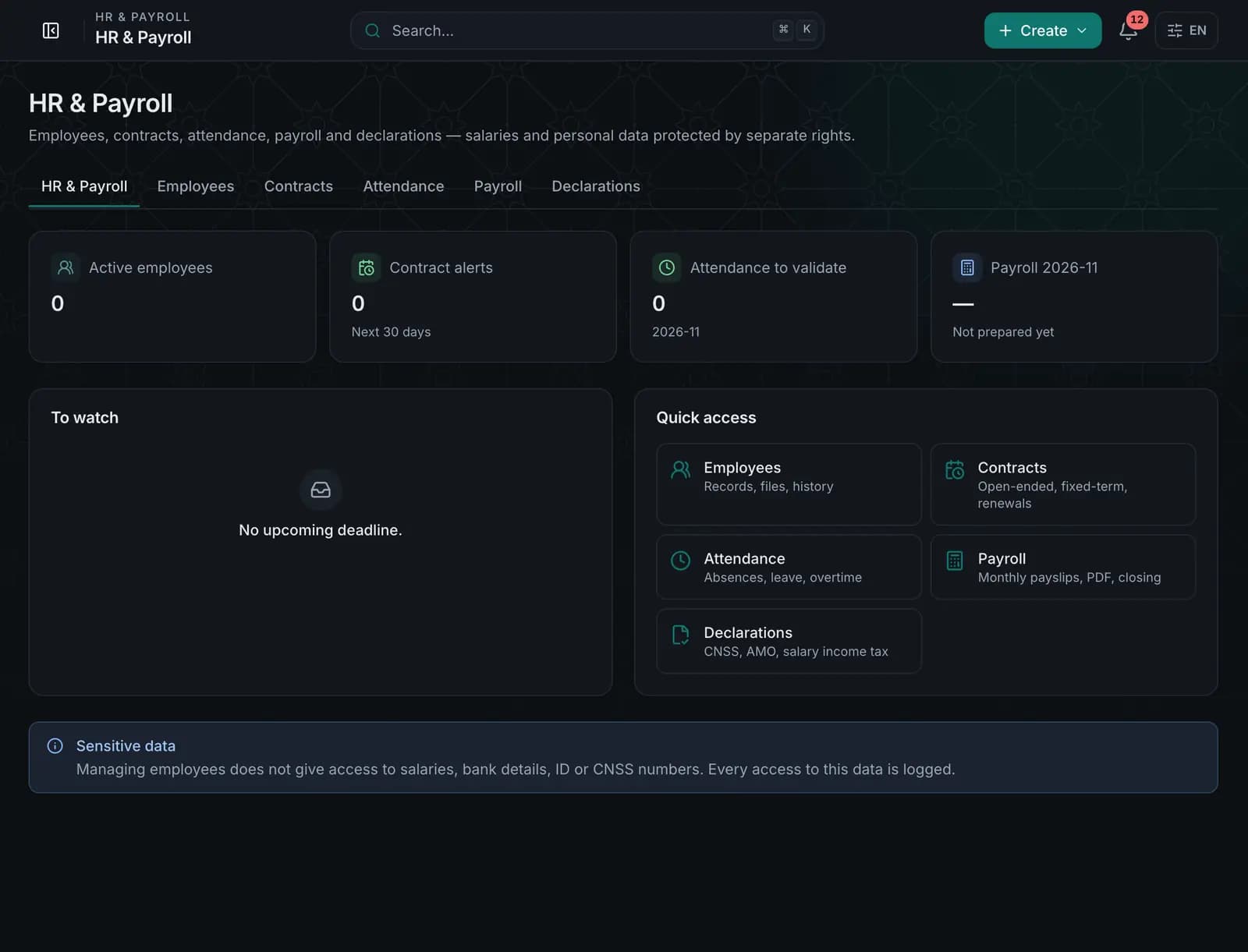
  7. Step 7 · HR & Payroll

    AI Compta

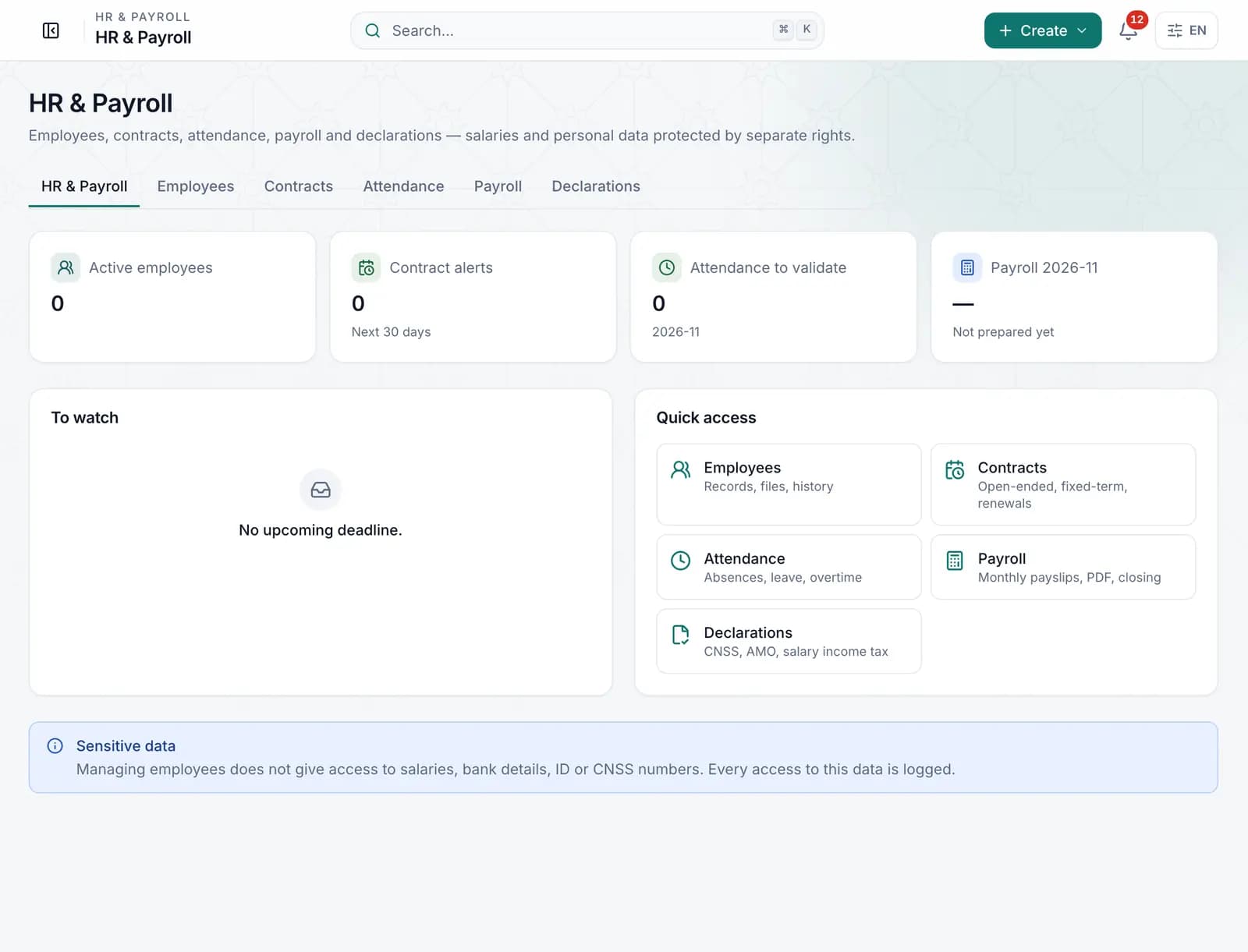
    Keep your employees’ information and payroll operations in one place. Sensitive data is protected by separate rights.

    Employees, contracts, attendance and payroll.

    • Employee records and contracts
    • Attendance, absences and leave
    • Monthly payslips
    • Rates and scales to confirm with your accountant
    Explore the module
    HR & Payroll — QuickCompta
  8. Step 8 · POSNew

    AI Compta

    Manage in-store sales, receipts, cashiers and payments from a fast point-of-sale screen.

    Your till joins your management.

    • Fast till, receipts and returns
    • Stores, tills and cashiers
    • Prices and promotions
    • Reports and end-of-day (Z) closing
    Explore the module
    Illustration of the till screen
  9. Step 9 · AI Compta

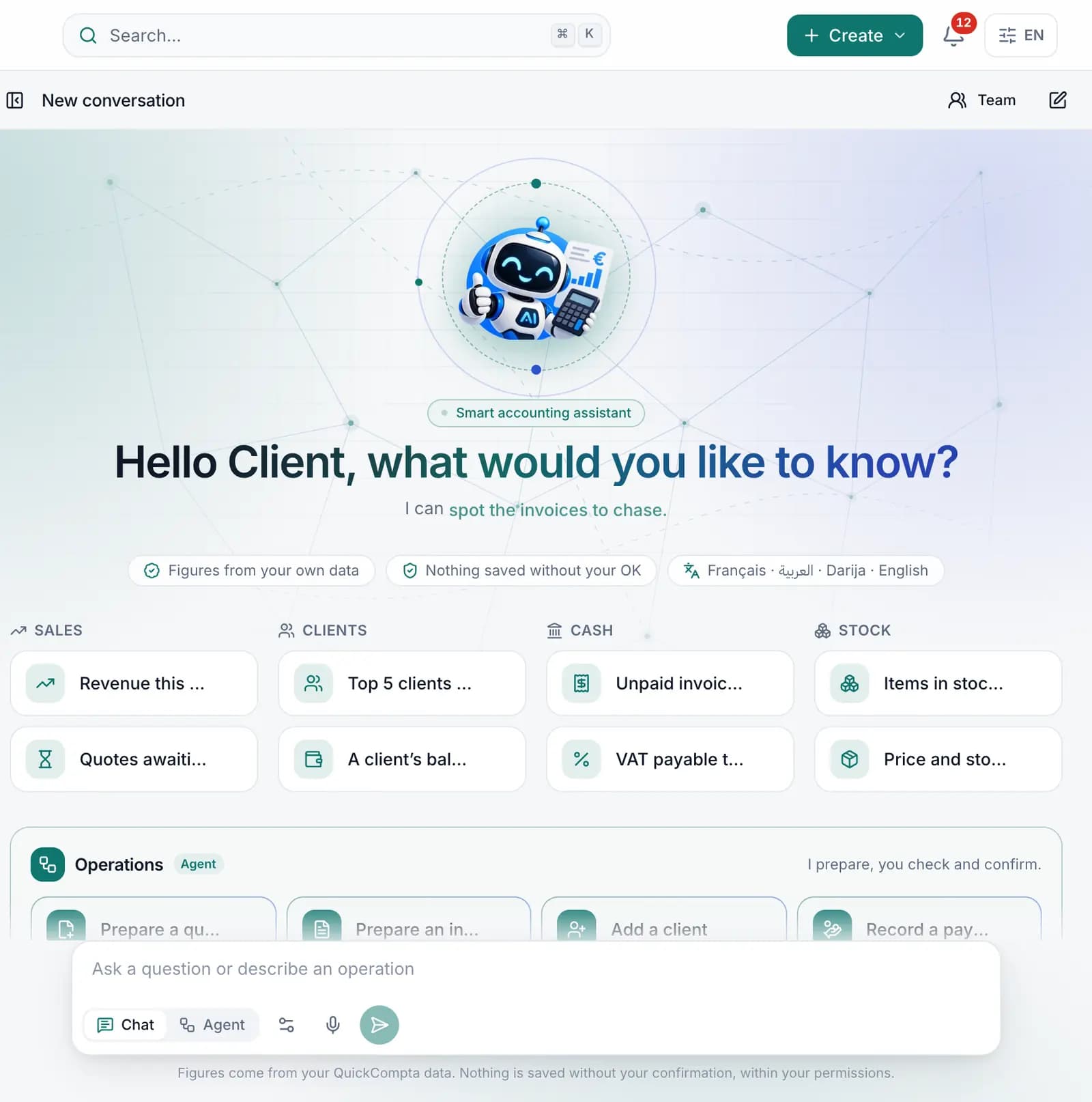
    AI Compta

    Ask me for an analysis or an operation. I check, I prepare, and you approve before anything is saved.

    Your assistant prepares, you decide.

    • Chat: questions about your numbers
    • Agent: quotes, invoices, clients, payments prepared for you
    • Audio: speak instead of typing
    • Nothing is saved without your consent
    Explore the module
    AI Compta — QuickCompta

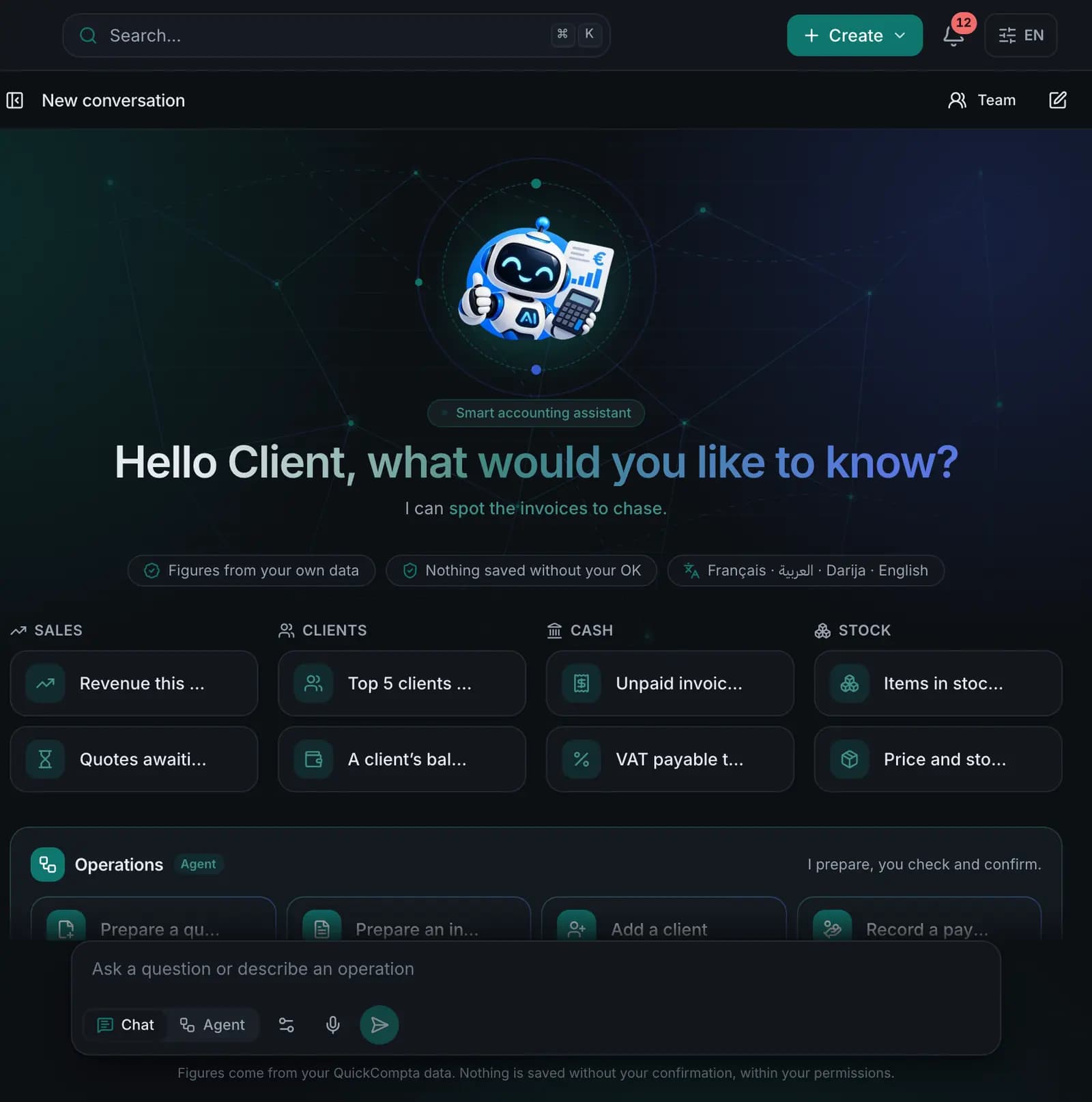
AI Compta · Chat, Agent, Audio

Talk to your business.

Pick a request and watch how AI Compta handles it: it checks your data, prepares the operation, then waits for your approval.

  • Chat

    Revenue, clients, quotes, stock, VAT: ask in plain language.

  • Agent

    Quote, invoice, client, product or payment prepared for you to approve.

  • Audio

    Dictate your request in French, Arabic, Darija or English.

  • Your rights

    AI Compta only sees your company’s data, within your own rights.

Scripted demo, not connected to the AI Compta engine: it replays the real flow without data or execution.

All of QuickCompta

Six needs, one application.

Modules are grouped the way you work: sell, buy, steer, organise, administer and automate.

See all features

Pricing

A plan for every stage of your business.

Clear prices in dirhams. Choose your plan; our team activates it as soon as payment is confirmed.

Billing period

Starter

14-day trial

Pour les freelances et auto-entrepreneurs

MAD 99/ month

MAD 990/ year

Save MAD 198 (17%)

Users
1
Storage
1 GB
Invoices / month
30
Clients
50

AI Compta

  • Chat: Not included
  • Agent: Not included
  • Audio: Not included
  • HR & Payroll

Pro

14-day trial

Pour les PME en croissance

MAD 249/ month

MAD 2,490/ year

Save MAD 498 (17%)

Users
5
Storage
5 GB
Invoices / month
Unlimited
Clients
Unlimited

AI Compta

  • Chat: Included
  • Agent: Included
  • Audio: Included
  • OCR reading of receipts
  • Custom document templates
  • Document management
  • HR & Payroll

Business

14-day trial

Pour les équipes avec volumes élevés

MAD 499/ month

MAD 4,990/ year

Save MAD 998 (17%)

Users
20
Storage
20 GB
Invoices / month
Unlimited
Clients
Unlimited

AI Compta

  • Chat: Included
  • Agent: Included
  • Audio: Included
  • OCR reading of receipts
  • Custom document templates
  • API access
  • Multi-warehouse
  • Priority support
  • Document management
  • HR & Payroll

Enterprise

Pour les grandes structures — sur devis

On quote

For specific needs and larger organisations.

On quote

For specific needs and larger organisations.

Users
Unlimited
Storage
Unlimited
Invoices / month
Unlimited
Clients
Unlimited

AI Compta

  • Chat: Included
  • Agent: Included
  • Audio: Included
  • OCR reading of receipts
  • Custom document templates
  • API access
  • Multi-warehouse
  • Priority support
  • Dedicated support
  • Accounting export
  • Document management
  • HR & Payroll

Included in every plan

  • Quotes, invoices, credit notes, delivery notes
  • Clients, suppliers and purchasing
  • Expenses
  • Stock and products
  • Cash and finance
  • Accounting

How does the subscription work?

  1. 1Create your account and choose your plan from the app.
  2. 2Tell us how you pay: bank transfer, cash or card.
  3. 3Our team activates your plan as soon as payment is confirmed.

Prices shown as configured by QuickCompta. The amount of your subscription is confirmed by the platform when you make your request.

FAQ

Your questions, answered

Can’t find your answer? Write to us.

All questions
What is QuickCompta?

An online application to run your business: sales, purchasing, expenses, stock, cash, accounting, payroll and the AI Compta assistant, in one place.

Who is QuickCompta for?

Freelancers, small and medium businesses in Morocco who want to centralise their management and follow their numbers without juggling tools.

Which languages is the app available in?

French, Arabic (with a right-to-left interface) and English. Each user picks their language.

How do I choose my plan?

Compare plans on the Pricing page: number of users, storage, modules and AI Compta. You can change plan later from the app.

How do I subscribe?

Create your account, then choose your plan from the app and tell us how you pay. Our team activates the plan as soon as payment is confirmed.

Is there a trial period?

Each plan shows its trial length on the Pricing page when it has one. It starts when your subscription is activated.

Ready to let QuickCompta handle the rest?

Choose your plan, create your account, and AI Compta is with you from the first invoice.

We start whenever you like. I’ll be there.