Available
Expenses & receipts
Every expense recorded, with its receipt.

AI Compta · Your guide
Got a supplier invoice? Upload it and let QuickCompta pick up the details with OCR. You check, then you save.
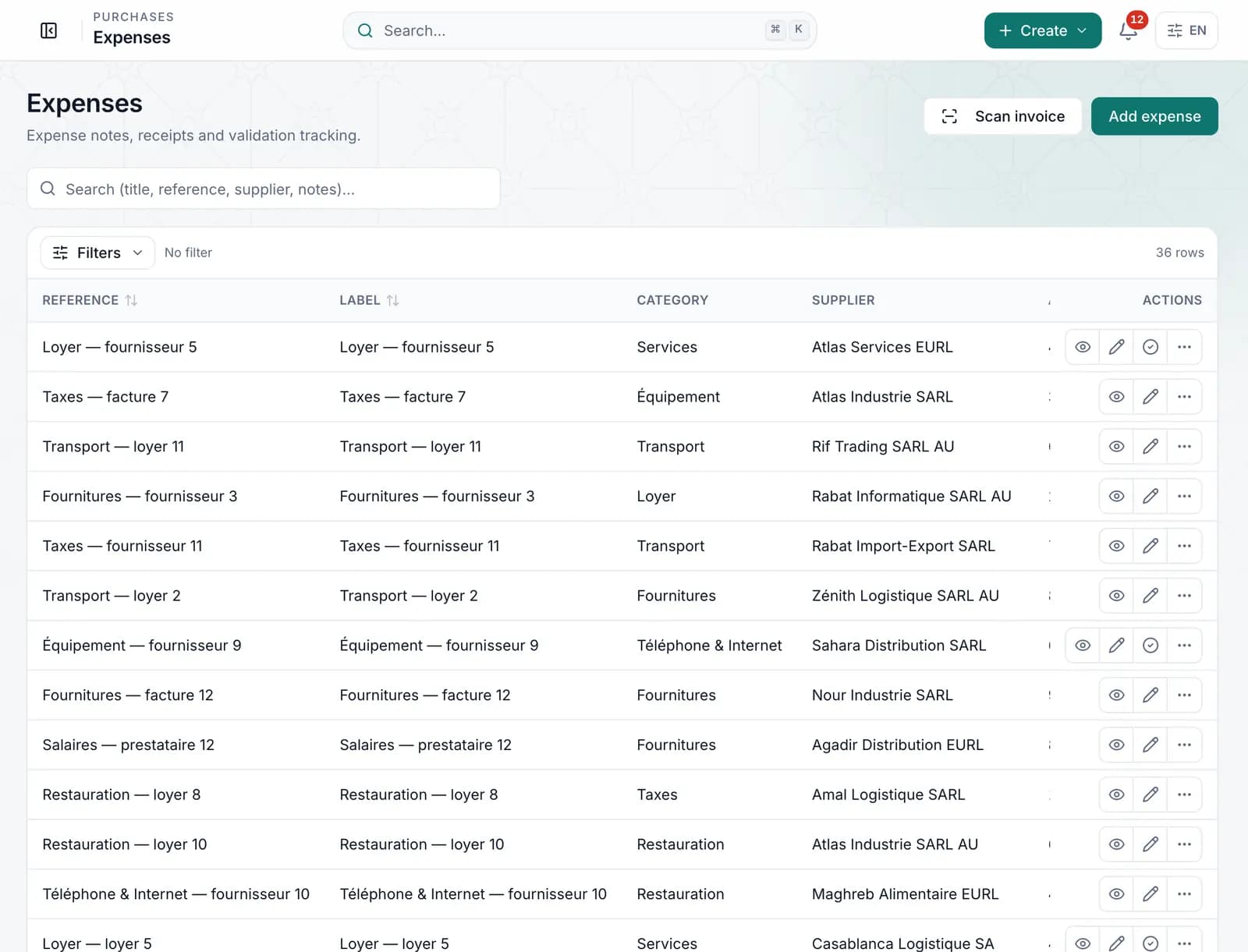
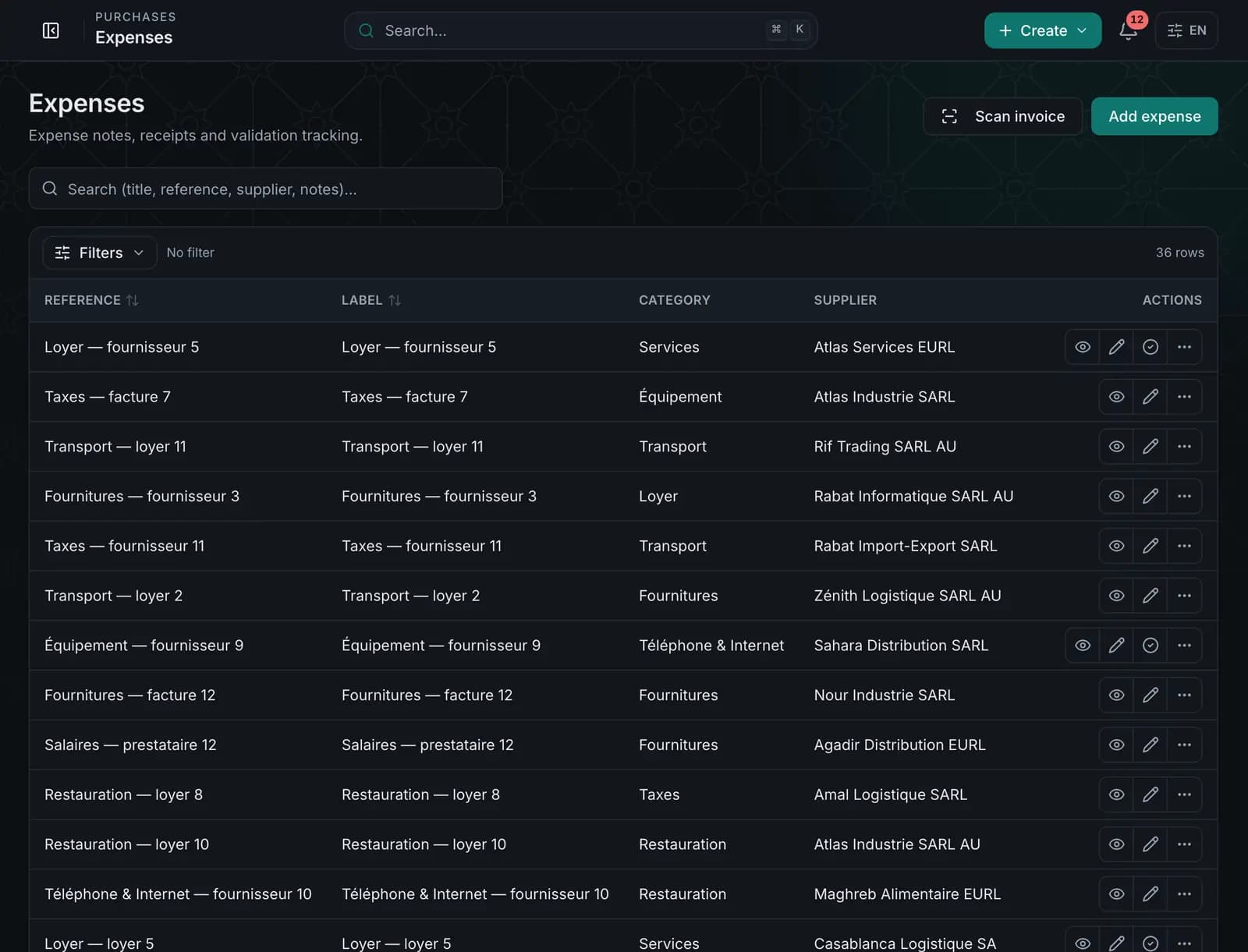
What you can do
Enter expenses by category, attach the receipt and keep a clear view of your spending. With OCR (depending on plan), the receipt pre-fills the entry, which you check before saving.
- Expenses by category with net, VAT and gross amounts
- Attached receipts, available at any time
- OCR reading of receipts with a review step (depending on plan)
- Likely duplicate detection
- Expense approval or rejection
AI Compta · Your guide
Got a supplier invoice? Upload it and let QuickCompta pick up the details with OCR. You check, then you save.
01
You stay in control
Amounts read by OCR are suggested with a confidence level: nothing is saved without your review.
02
Ready for your accountant
Expenses and their receipts are organised and easy to find at month end.
Other modules
- Invoicing & quotesQuotes, invoices, proformas, credit notes, delivery notes and payments.
- Clients & suppliersRecords, statements, purchase orders, purchase invoices and supplier payments.
- Stock & productsCatalogue, warehouses, movements, transfers and stock counts.
- Cash & financeAccounts, cash desk, bank reconciliation, budgets and steering.
- AccountingEntries, CGNC chart of accounts, VAT, reports and fiscal years.
- HR & PayrollEmployees, contracts, attendance, payslips and declarations (depending on plan).
- DocumentsDocument library, PDF templates and numbering.
- POSIn-store sales, receipts, cashiers, prices, promotions and closings.
- Team & permissionsInvitations, roles and per-module rights.
- AI ComptaConversational assistant, analysis and agent, depending on the plan.
Ready to let QuickCompta handle the rest?
Choose your plan, create your account, and AI Compta is with you from the first invoice.
We start whenever you like. I’ll be there.